
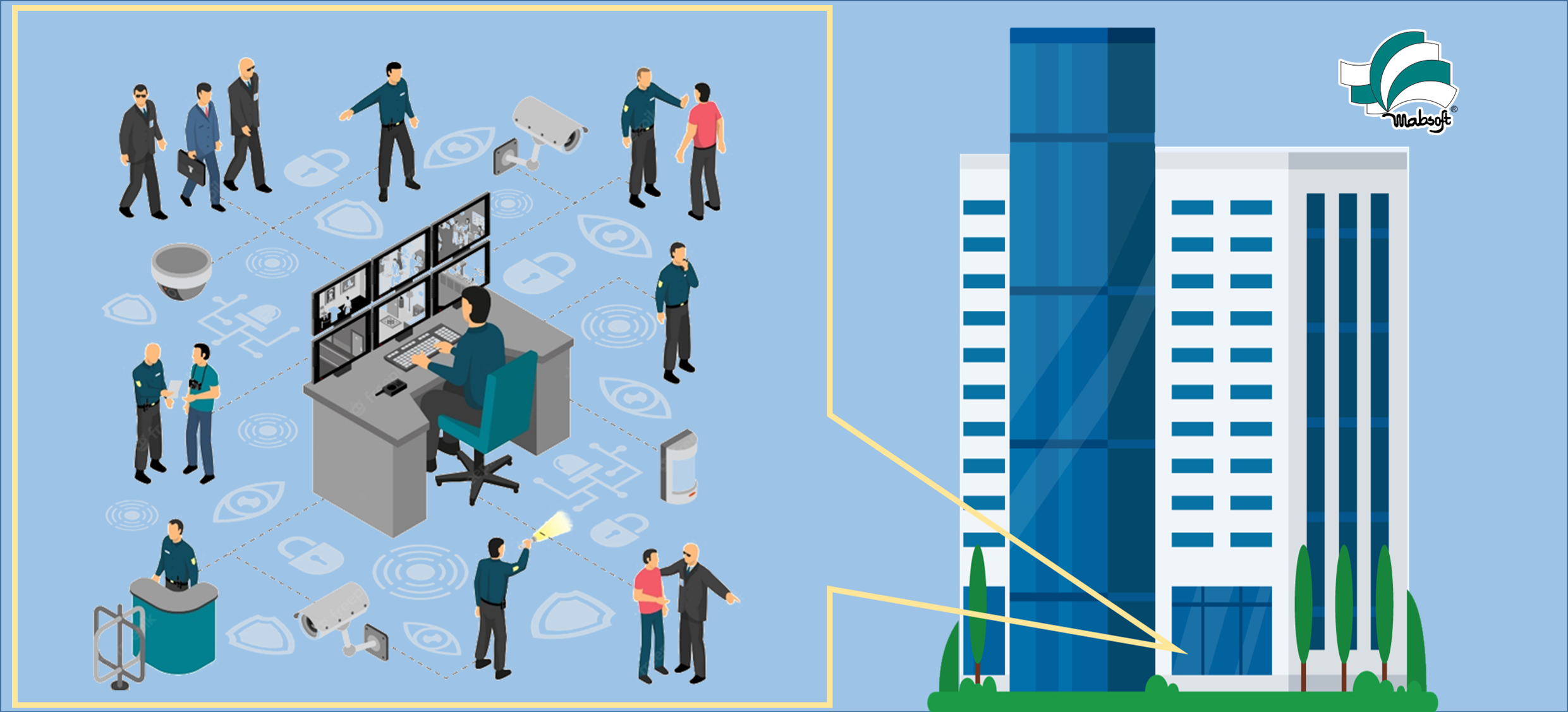
Our offered Security Solutions:

Contact us for more details.
Frequently Asked Questions
-
What is an IP Camera?
The Internet Protocol (IP) is a set of rules for communicating over the internet. An IP camera is a network-capable digital video system. These systems are compatible with mobile devices, allowing you to monitor your security feed from anywhere with an Internet connection. Network cameras and webcams are terms used to describe IP cameras.
-
What Are the Advantages of IP Surveillance Systems?
Traditional CCTV systems do not offer many advantages that IP surveillance solutions do. They provide: higher resolution, easy installation, improved capabilities for the cost, faster and more dependable, easy management, and easy compliance with IT regulations, among other benefits.
-
How Do IP Surveillance Cameras Work?
In a typical security system, data is transferred to a DVR through a cable (digital video recorder). Digital video from an IP camera is transmitted over the Internet. Everything needed to perform this task is included in the unit. It connects to your network similarly to other external IT devices, such as a printer. Your IP camera may have built-in storage, or it may send footage to a network-connected device that will save it, known as a network video recorder (NVR). Digital cameras and IP cameras both capture images in the same way, despite the transmission method being different. You won't be sacrificing quality with an IP camera; in fact, the resolution will be greater.
-
What Type of Network Connection Will I Need for an IP Camera Surveillance System?
For your network, you can utilise a physical router (wired) or a WiFi connection (wireless). Wired networks are more secure and stable, and while WiFi is more convenient, it increases the need for security. Surveillance Secure may assist you with encrypting these networks and customising a wireless network to reduce the likelihood of any WiFi setup issues. You could also utilise a cellular network, which is generally safer than WiFi but slower. We can go over your alternatives with you and help you decide which one is appropriate for your unique setup and security requirements.
-
How Are IP Cameras Different from CCTV Cameras?
Closed circuit television (CCTV) cameras are a type of analogue camera that records video on a digital video recorder (DVR). They're dependable, affordable, and simple to set up. They do not, however, provide the same level of adaptability, high resolution, or security as IP cameras.
-
What Components Will I Need for an IP Surveillance System?
You'll need IP cameras, an NVR, or another form of storage system for an IP surveillance system. Accessories like microphones and speakers are usually included into the cameras, so you won't need any extra equipment. We can help you identify your needs and match you with the best equipment for your budget at Surveillance Secure.
-
What Are the Advantages of IP Surveillance Systems?
Traditional CCTV systems do not offer many advantages that IP surveillance solutions do. They provide: higher resolution, easy installation, improved capabilities for the cost, faster and more dependable, easy management, and easy compliance with IT regulations, among other benefits.
-
What is DVR and NVR?
The term DVR refers to a digital video recorder. A DVR is a device that transfers footage from analogue cameras to digital format so that it can be stored on a hard disc. It is possible to record HD video. These gadgets can operate for weeks or even months without needing to be serviced.
NVR refers to a network video recorder. Only digital cameras employ this type of recorder (IP cameras). It works in the same way as DVR. -
What is a video capture card?
A video capture card, often known as a DVR card, is a graphics card that is used to record video feeds and store them on a hard drive in a DVR system.
-
How many hours of video can the Security DVR/NVR store?
There are several things that play a role. What is the total number of cameras in the system? How many frames per second (FPS) is the video being recorded at? What is the hard disc capacity of the DVR/NVR? When set to motion detect mode, our preconfigured systems normally provide many weeks of archiving.
-
How does motion detection work? Through the camera or software?
The feature of motion detection is software-based. The software prompts the machine to begin recording when pixels in the image change. Most DVR/NVRs allow you to adjust the sensitivity so that drive capacity isn't wasted on every stray cat that wanders across the property.
-
Can I view live and recorded video locally?
Yes. Onsite monitoring of both live and recorded video is possible.
-
Can I view live and recorded video remotely?
Yes. All of our Security DVR/NVR systems are Internet enabled. That means you can view live and recorded video from anywhere via an Internet connection.
-
What kind of broadband do I need? How much bandwidth?
Basic DSL or cable will suffice in most cases. DSL works for DVRs, but Cable is recommended for NVRs.
-
Can several users view the same site at once?
Multiple people can see the same site simultaneously on most Internet-enabled Security DVR/NVR systems. The bandwidth will be shared between them when more users gaze at the same cameras/DVR/NVR at the same time. The image quality suffers as a result.
-
Can I record audio?
Yes. Check to see if the Security DVR/NVR system you choose has an audio option. Because most analogue cameras lack built-in audio, you'll almost certainly need to purchase a separate audio kit if you go for analogue over digital.
-
Can I listen to live and recorded audio remotely?
Yes. This functionality is included in all of our security DVR/NVR systems. However, an optional audio module is required to listen to live and recorded audio over the Internet from anywhere.
-
How many cameras do I need?
The size and layout of the area you want to survey will determine this. For an Analog System, we propose one camera per 600 square feet, and for a Digital System, one camera per 1200 square feet.
-
Can I use my existing cameras?
Yes. You can utilise the cameras you already have. We provide a hybrid NVR that allows you to employ both analogue and digital cameras.
-
What is an Auto-Iris Lens?
In areas where light levels vary, an auto iris lens delivers a consistent video image. This is critical for keeping a watchable stream in both bright and dark environments.
-
What is Lux?
Illumination is measured in units called Lux.
-
Can I zoom in with a camera?
Yes, but you need a special camera called a Pan-Tilt-Zoom or PTZ camera. Browse our selection of PTZ cameras, and find the one that is right for you. Or we can make recommendations based on your specific needs.
-
What type of Operating System (OS) does the Security DVR use?
Most PC-based Security DVR Systems use Windows 7 Professional or above, and Standalone Security DVRs are Linux based.
-
What kind of cable should I use?
Use Siamese cable, which is an RG59 coaxial cable and a pair of 18-gauge wire in the same jacket, to make installation easy for Analog Cameras. Use Cat 5 or 6 for IP cameras.
-
What happens if there is a power outage?
As soon as the power is restored, the DVRs and NVRs will turn back on. However, we recommend using an uninterruptible power supply (UPS), which offers short-term backup power while also acting as a surge protector. This assures that your video monitoring will remain operational even if the power is off, allowing a break-in to go unreported.
-
Can I use my cash register with your POS interface?
Our Security systems work with most PC-based and electronic cash registers. Contact us with the make and model of your register, and we can tell you if your system is compatible. View our Demo here.
-
Can the Security DVR/NVR report an alarm?
Yes. If the alarm is triggered, the DVR/NVR can reach out to a monitoring service.